

Launch Subscriptions
Start here to get your web checkout, authentication, account and customer care flows live using Cleeng's Hosted Customer Flows on the first day.
Launch Subscriptions > Extend Your Integration > Scale Your Integration
On this page you find the building blocks to enable your digital subscription product within your web application using Cleeng Hosted Customer Flows.
Timeline: Day 1
Basic setup (account creation, embedding widgets, and account verification) can be completed in under 60 minutes. Allow additional time to create offers and include entitlement logic.
If you are interested in advanced integration options, see our Integration Approaches.
Quick Start
Follow the steps below to set up your Cleeng integration and get up and running quickly.
1. Create a Cleeng account
Complete the registration form to create an account with Cleeng and follow the instructions to create a first offer.
2. Start with Checkout
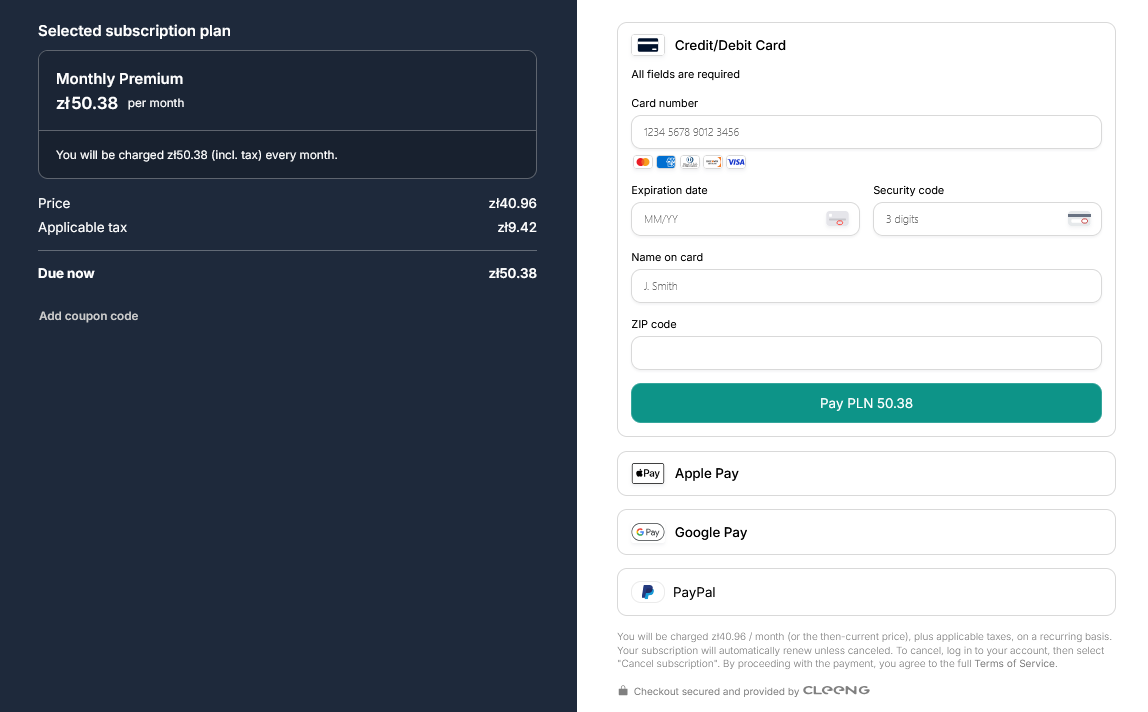
The Checkout widget handles full sign-up/login, billing, coupons and payments.
3. (Optional) Use more building blocks
Select the optional building blocks you need:
In-Depth Guides
For more detailed information on each widget, see our complete guides on hosted customer flows.
4. Unlock content with entitlements
Finish by protecting your premium content.
This JavaScript code snippet retrieves the user details, including the JWT (JSON Web Token) that is identifying the actual user/subscriber.
const handleCleengMessage = (event) => {
  if (event.data?.type === 'CLEENG_SDK_LOADED') {
    // Now it's safe to interact with the window.cleeng object
    window.cleeng.onAuthTokensUpdate(({jwt, refreshToken}) => {
            if (jwt && refreshToken) {
            // User is logged in - store tokens in your app
            console.log('User authenticated');
            localStorage.setItem('cleeng-token', value); //save the token using your preferred storage method
          } else {
            // User is logged out
            console.log('User logged out');
            localStorage.removeItem('cleeng-token', value);
          }
    });
  }
};

window.addEventListener('message', handleCleengMessage);

// Remember to remove the event listener when the component unmounts
// e.g., return () => window.removeEventListener('message', handleCleengMessage);
This JavaScript code snippet validates the entitlement (access rights) of the user (JWT) to a given offer, and can be used to unlock premium content.
const cleengJWT = localStorage.getItem('cleeng-token');
const offerId = "S123123123_US"; // use your offer ID

async function checkEntitlement() {
  try {
    const response = await fetch(
      `https://mediastoreapi.cleeng.com/entitlements/${offerId}`,
      {
        method: "GET",
        headers: {
          accept: "application/json",
          Authorization: `Bearer ${cleengJWT}`,
        },
      }
    );

    if (!response.ok) {
      throw new Error(`HTTP error! status: ${response.status}`);
    }

    const { responseData } = await response.json();

    // entitlement logic
    if (responseData.accessGranted) {
      // Now you know that the user has access and you can show them the premium content.
    } else {
      // User has no subscription yet. You can show UI prompting them to subscribe.
    }

    // Debugging
    console.log("Full response:", JSON.stringify(responseData, null, 2));
  } catch (err) {
    console.error("Request failed:", err.message);
  }
}

checkEntitlement();For more advanced entitlement options see the advanced entitlement guide. For higher security consider backend integration.
Sample Flow
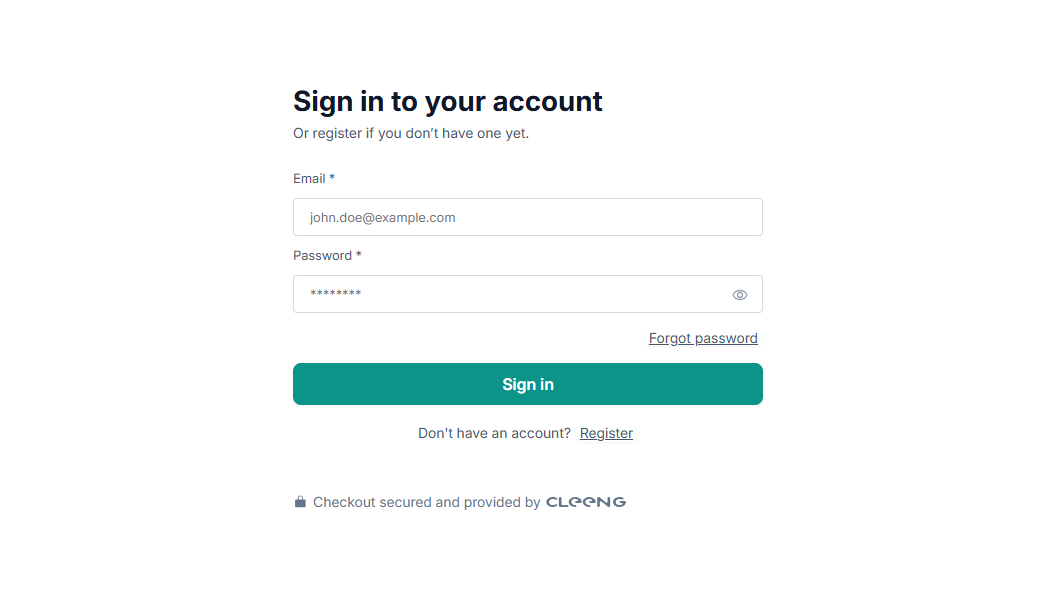
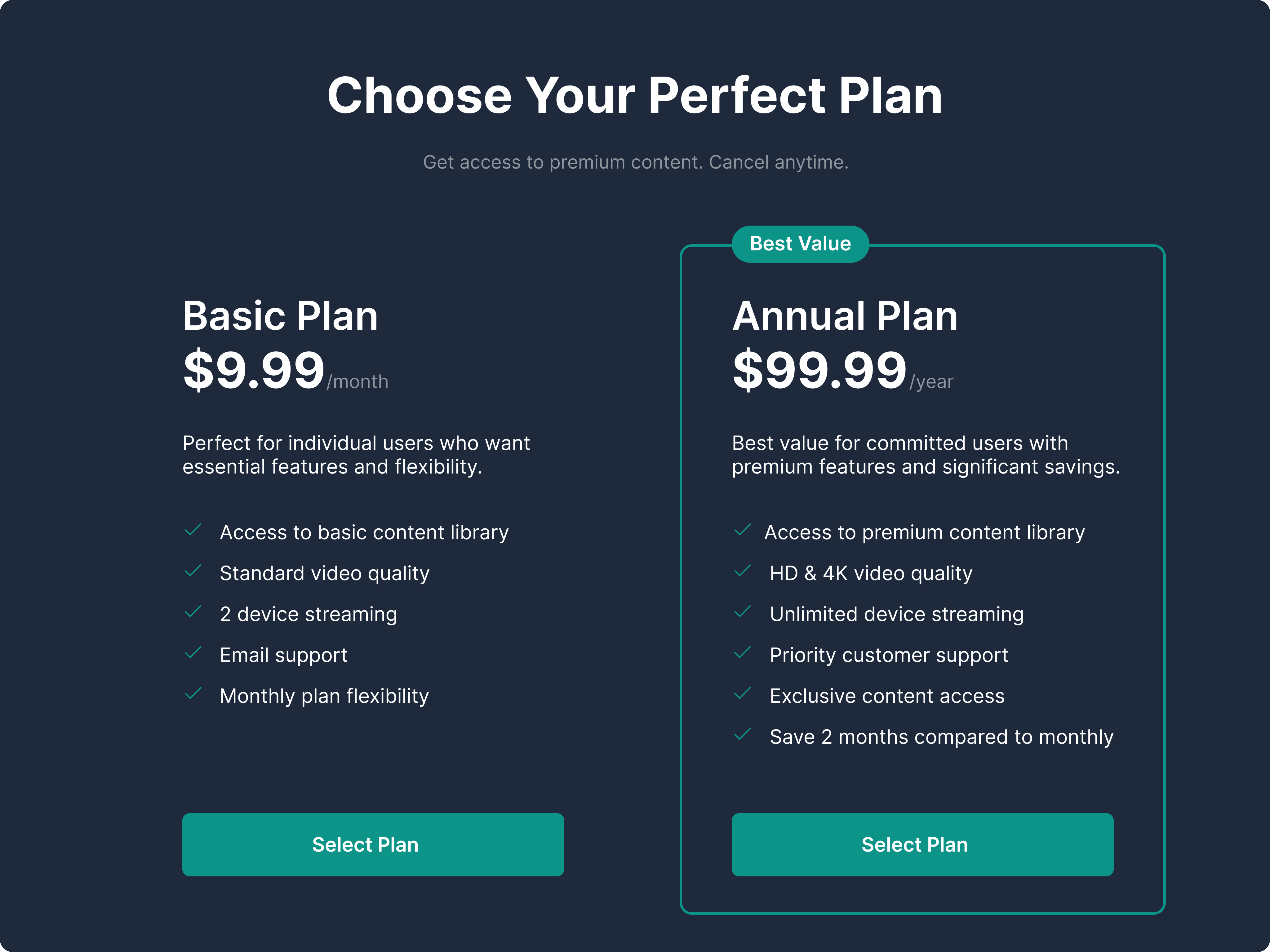
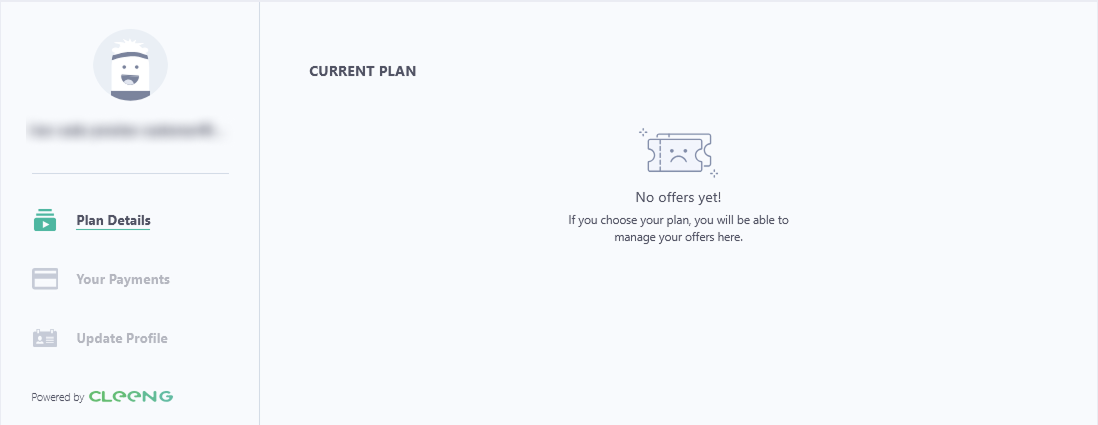
See the example user flow below.
Sign Up Example
Offer Pricing Page Example
Checkout Example
User Account Example
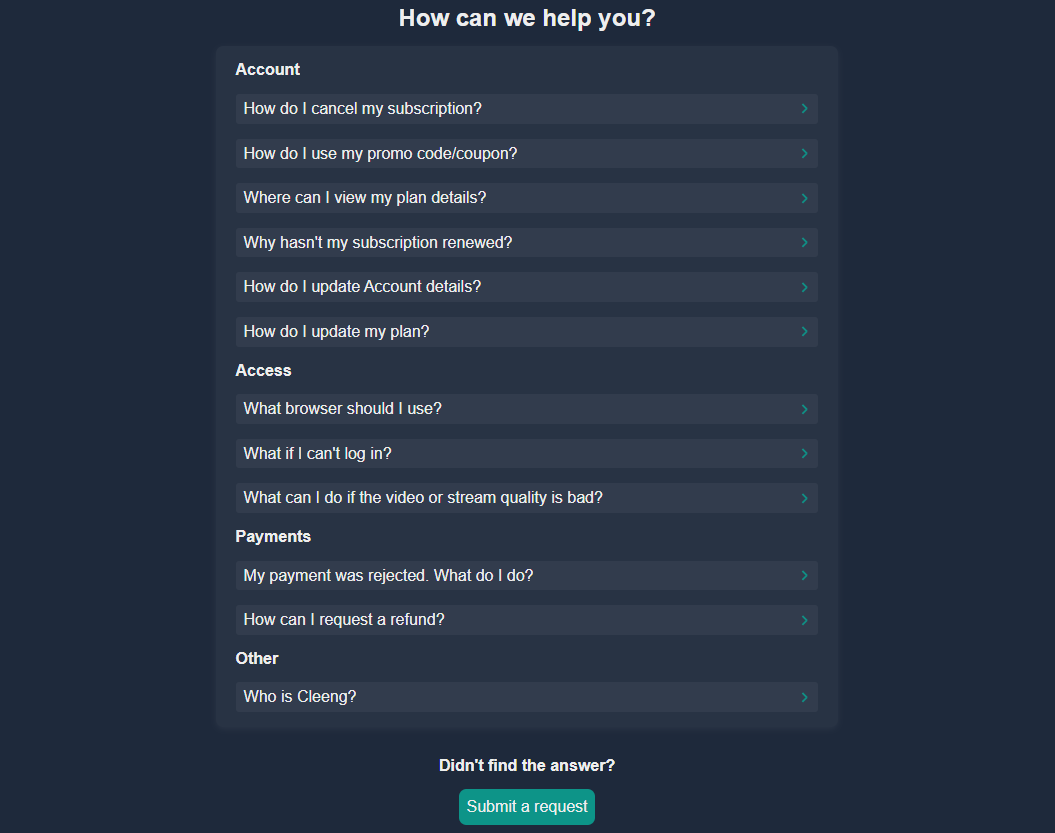
Customer Care Example
Go live checklist
To easily get started with us, follow our go live checklist.
Learn more
- Find out more about hosted customer flows and supported features.
- If you need more in-depth implementation details, see the complete hosted widgets developer guides.
What's next
Now that your basic setup is complete and your web subscription flows are running, it is time to enhance the user experience. Move on to Extend your integration to add optional, low-code enhancements - such as customizing transactional emails, setting up coupon campaigns, or connecting Apple and Google Play analytics.
Updated 3 months ago